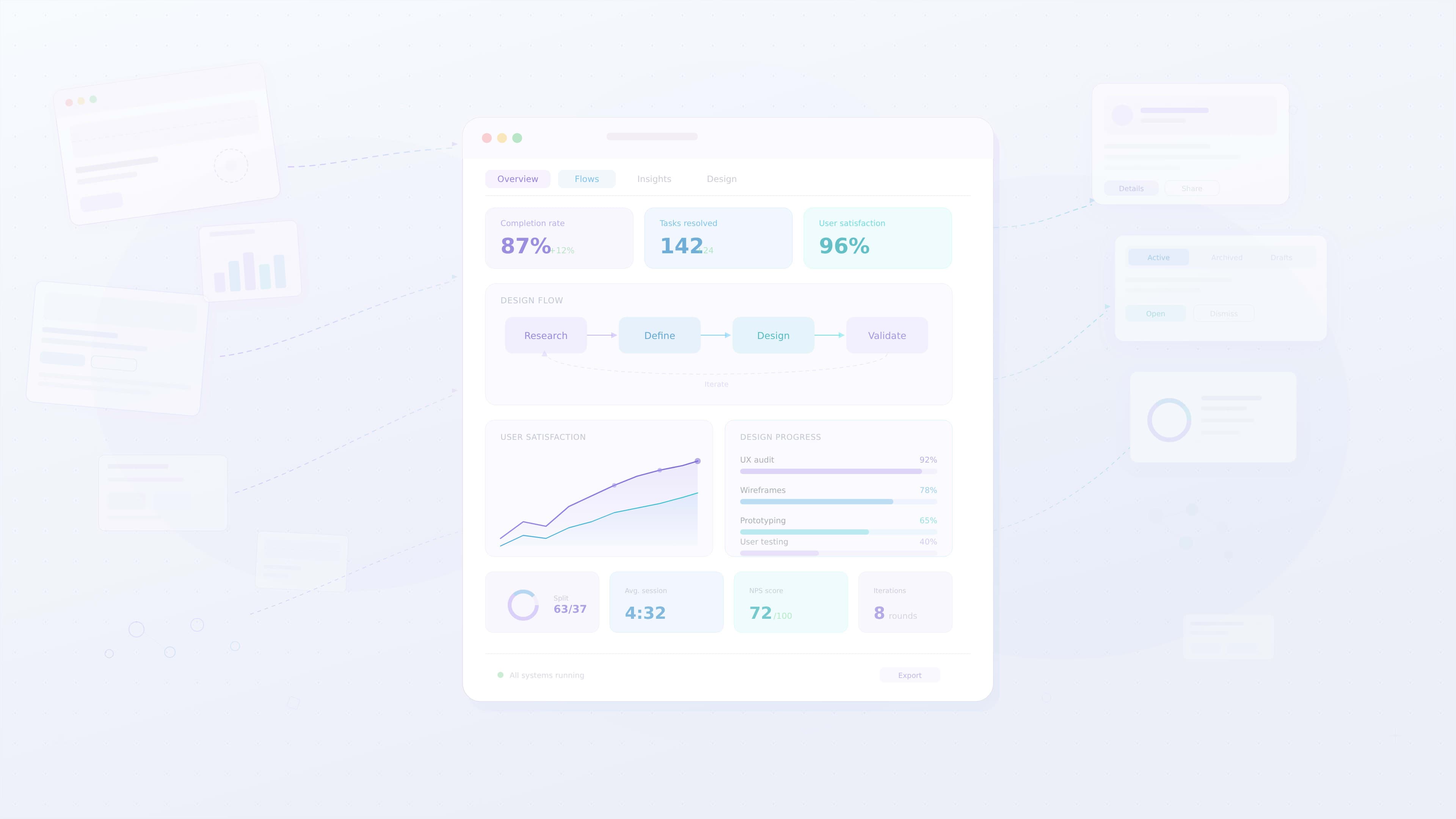
How UX Designers Solve Complex Problems
Modern digital products often involve complex systems, multiple user roles, and large volumes of information. From enterprise dashboards and SaaS platforms to mobile applications and analytics tools, users interact with systems that can quickly become overwhelming.
UX designers play a critical role in simplifying this complexity.
Instead of focusing only on visual design, UX designers analyze problems, understand user behavior, and create solutions that make digital experiences easier to use.
The ability to solve complex problems is one of the most valuable skills a UX designer can develop.
This article explores how UX designers approach complex challenges and transform them into clear, usable product experiences.
What Makes a Problem Complex
Not all design problems are simple.
Some problems involve multiple factors that interact with each other.
A problem may be considered complex when it includes:
- multiple user roles
- large amounts of data
- unclear user needs
- technical constraints
- business requirements
For example, an enterprise dashboard may need to support executives, analysts, and operations teams simultaneously.
Each group may require different information and workflows.
Complex problems often require deeper analysis before a solution can be designed.
Understanding the Real Problem
One of the most common mistakes in product development is solving the wrong problem.
Stakeholders may propose solutions before fully understanding what users actually need.
UX designers begin by identifying the real problem behind the request.
This often involves asking questions such as:
- What challenge are users experiencing
- Why does this problem occur
- How often do users encounter this issue
- What impact does the problem have on their workflow
By exploring these questions, designers can uncover the root cause of the problem.
Good design begins with understanding the problem, not the solution.
Once the problem is clearly defined, designers can begin exploring possible solutions.
Conducting User Research
User research provides valuable insights into how people interact with products.
When designers face complex challenges, research helps them understand user behavior and identify pain points.
Common research methods include:
- user interviews
- usability testing
- product analytics
- surveys
- observation studies
For example, research may reveal that users struggle to locate important information because the interface lacks clear visual hierarchy.
Research ensures design decisions are based on real user insights rather than assumptions.
Breaking Down Complex Systems
Large systems can be overwhelming if designers try to address everything at once.
UX designers often break complex systems into smaller parts.
This process may include:
- mapping user journeys
- identifying key workflows
- separating major tasks into smaller steps
Breaking problems into manageable components allows designers to analyze each part individually.
This approach makes complex systems easier to understand and improve.
Identifying Key User Goals
Complex systems often contain many features.
However, not every feature is equally important to users.
Designers must identify the most critical tasks users want to complete.
For example, users interacting with a dashboard may want to:
- monitor performance metrics
- identify trends in data
- detect operational issues
Once designers understand these goals, they can prioritize the most important interactions.
Prioritization helps reduce unnecessary complexity in the interface.
Exploring Multiple Solutions
Designers rarely arrive at the best solution immediately.
Instead, they explore multiple possibilities before selecting the most effective approach.
Common ideation techniques include:
- sketching interface concepts
- brainstorming alternative workflows
- creating user flow diagrams
- building low fidelity prototypes
Exploring different ideas helps teams identify better solutions.
It also encourages creativity while solving difficult problems.
Prototyping and Testing Solutions
Prototyping allows designers to test solutions before they are implemented in development.
Interactive prototypes simulate how users will interact with the interface.
Designers can use prototypes to test:
- navigation flows
- data visualization layouts
- interaction patterns
- usability of new features
Testing prototypes with real users helps designers identify problems early in the design process.
This feedback ensures the final product works effectively.
Simplifying Information
Complex products often contain large amounts of information.
UX designers must present this information in ways that are easy to understand.
Techniques for simplifying information include:
- using visual hierarchy
- grouping related information
- reducing unnecessary elements
- highlighting key insights
For example, dashboards often present important metrics using large cards or charts to ensure they are easily visible.
Simplifying information helps users process data more quickly.
Collaborating with Product Teams
Solving complex problems requires collaboration.
UX designers work closely with product managers, developers, and stakeholders to understand constraints and opportunities.
Collaboration helps designers:
- align design decisions with business goals
- ensure solutions are technically feasible
- incorporate feedback from different perspectives
Strong collaboration ensures that solutions address both user needs and product requirements.
Iterating and Improving Designs
Complex problems rarely have perfect solutions immediately.
Designers often refine their work through multiple iterations.
The iterative process may include:
1 creating initial concepts
2 testing with users
3 analyzing feedback
4 refining the design
Each iteration helps improve usability and effectiveness.
Iteration allows designers to continuously improve the product experience.
Example: Simplifying a Complex Dashboard
Consider a dashboard used by managers to monitor company performance.
The original dashboard displays dozens of charts and tables.
Users struggle to identify which metrics require attention.
A UX designer may approach this problem by:
1 conducting interviews with managers
2 identifying the most important performance indicators
3 redesigning the dashboard to highlight key metrics
4 grouping related data sections
5 simplifying charts and labels
This approach transforms a confusing dashboard into a clear decision making tool.
Common Mistakes When Solving Complex Problems
Even experienced teams sometimes struggle with complex design challenges.
Common mistakes include:
- jumping directly into visual design
- ignoring user research
- designing for too many features at once
- failing to test solutions with real users
Avoiding these mistakes helps designers create more effective solutions.
Developing Strong Problem Solving Skills
UX designers can strengthen their problem solving skills through practice and learning.
Useful practices include:
- studying user behavior
- analyzing existing products
- practicing design thinking methods
- learning from usability testing results
Over time, these practices help designers approach problems more strategically.
Key Takeaways
Solving complex problems is a core skill in UX design.
Important practices include:
- understanding the real problem
- conducting user research
- breaking down complex systems
- exploring multiple solutions
- testing ideas with prototypes
- iterating based on feedback
Designers who follow these practices can transform complicated systems into intuitive experiences.
Conclusion
UX designers play a vital role in simplifying complexity within digital products. By combining research, analysis, creativity, and testing, designers can turn complicated challenges into meaningful user experiences.
The ability to solve complex problems allows designers to create products that are not only visually appealing but also highly effective and user friendly.