Tagline
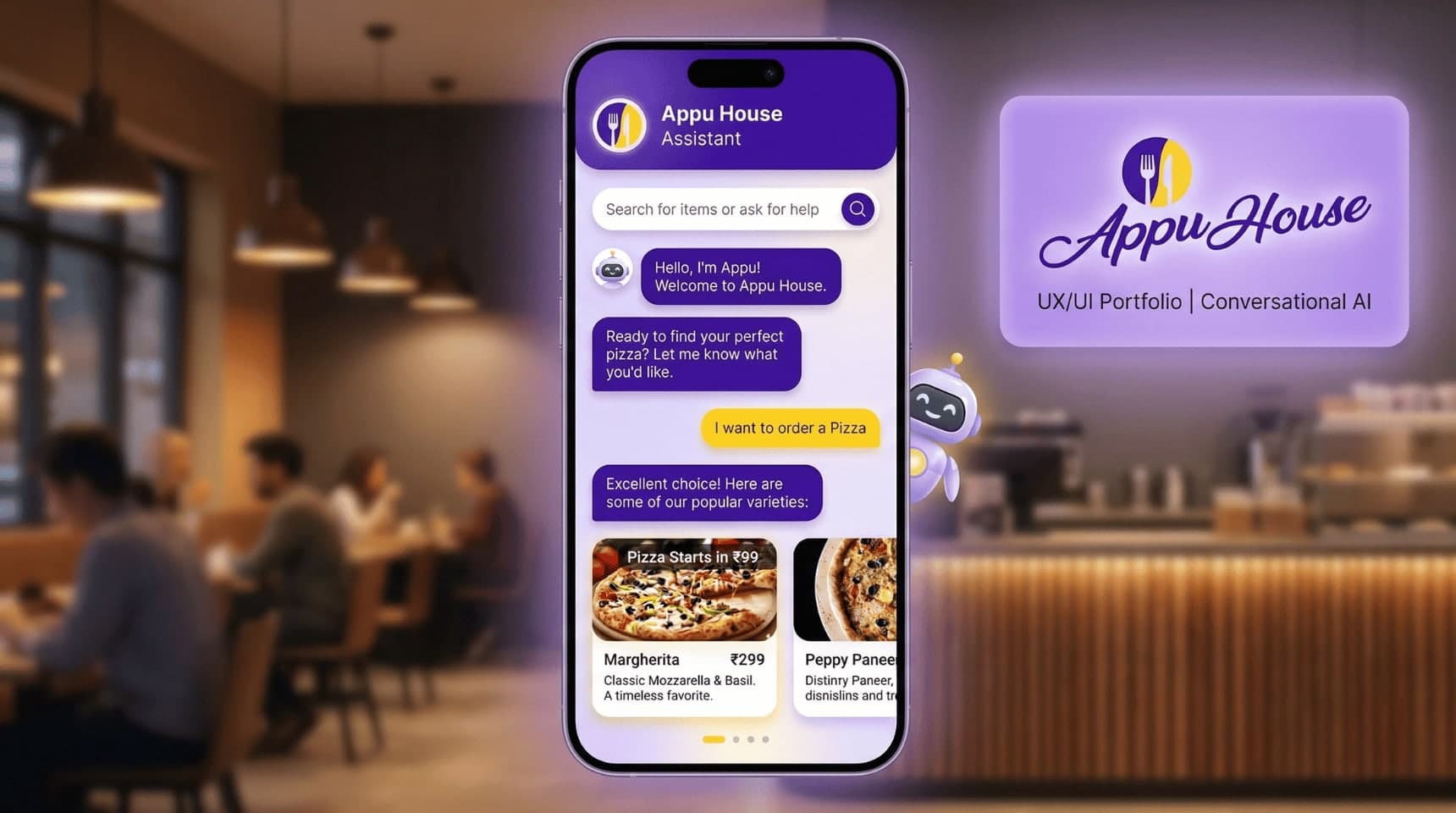
A conversational food-ordering experience designed to simplify how customers discover and order meals.
Role
UI/UX Designer
Tools Used
Figma, FigJam, Adobe Illustrator
Designed a conversational food-ordering chatbot for Appu House Cafe, simplifying menu discovery and ordering through a chat-based interface to improve ordering speed and user engagement.
Tagline
A conversational food-ordering experience designed to simplify how customers discover and order meals.
Role
UI/UX Designer
Tools Used
Figma, FigJam, Adobe Illustrator
Appu House is a cafe and restaurant that wanted to explore a simple mobile ordering experience for customers.
Instead of creating a traditional food ordering app with multiple menus and screens, the idea was to design a chatbot-driven interface where users could interact with a digital assistant to place their orders.
The concept focused on creating a conversational experience where users could quickly discover menu items, receive recommendations, and complete orders in a natural chat interaction.
Many restaurant ordering apps require users to navigate through multiple screens and long menus before placing an order.
For quick-service restaurants, this can create friction and slow down the ordering process.
Customers often want a fast and simple way to choose food items and place orders without navigating complex interfaces.
The challenge was to design a mobile experience that could simplify the ordering journey while still allowing users to easily explore menu options.
The main goal of this project was to design a chat-based ordering experience that reduces friction in the food ordering process.
Key objectives included:
• Simplify the food discovery process
• Reduce the number of steps required to place an order
• Create a friendly and conversational interaction model
• Improve engagement through a chatbot-based interface
• Cafe visitors ordering food through their mobile phones
• Customers who prefer quick ordering experiences
• Quickly discover menu items
• Receive suggestions or recommendations
• Place an order with minimal effort
• Complex navigation in traditional food ordering apps
• Long menus that are difficult to browse
• Too many steps before completing an order
Research into existing food ordering experiences revealed a few important insights.
Users often feel overwhelmed when presented with long lists of menu items.
Many users prefer guided experiences where the system helps them make decisions rather than requiring them to browse large menus.
Chat-based interfaces can provide a natural and guided interaction model where users receive recommendations and select items through conversation.
The ordering experience was designed around a simple conversational flow.
User enters name
↓
Chatbot greets the user
↓
User selects ordering intent
↓
Chatbot suggests menu items
↓
User chooses a food item
↓
Order confirmation
This flow ensures the ordering process remains clear, guided, and fast.
The design focused on combining conversational UX with visual menu discovery.
Three key principles guided the design.
Conversational Simplicity
The chatbot interaction was designed to feel natural and friendly, similar to chatting with a restaurant assistant.
Guided Decision Making
Instead of displaying full menus, the chatbot suggests items progressively during the conversation.
Visual Food Discovery
Food cards with images were integrated into the chat interface so users could quickly select dishes.
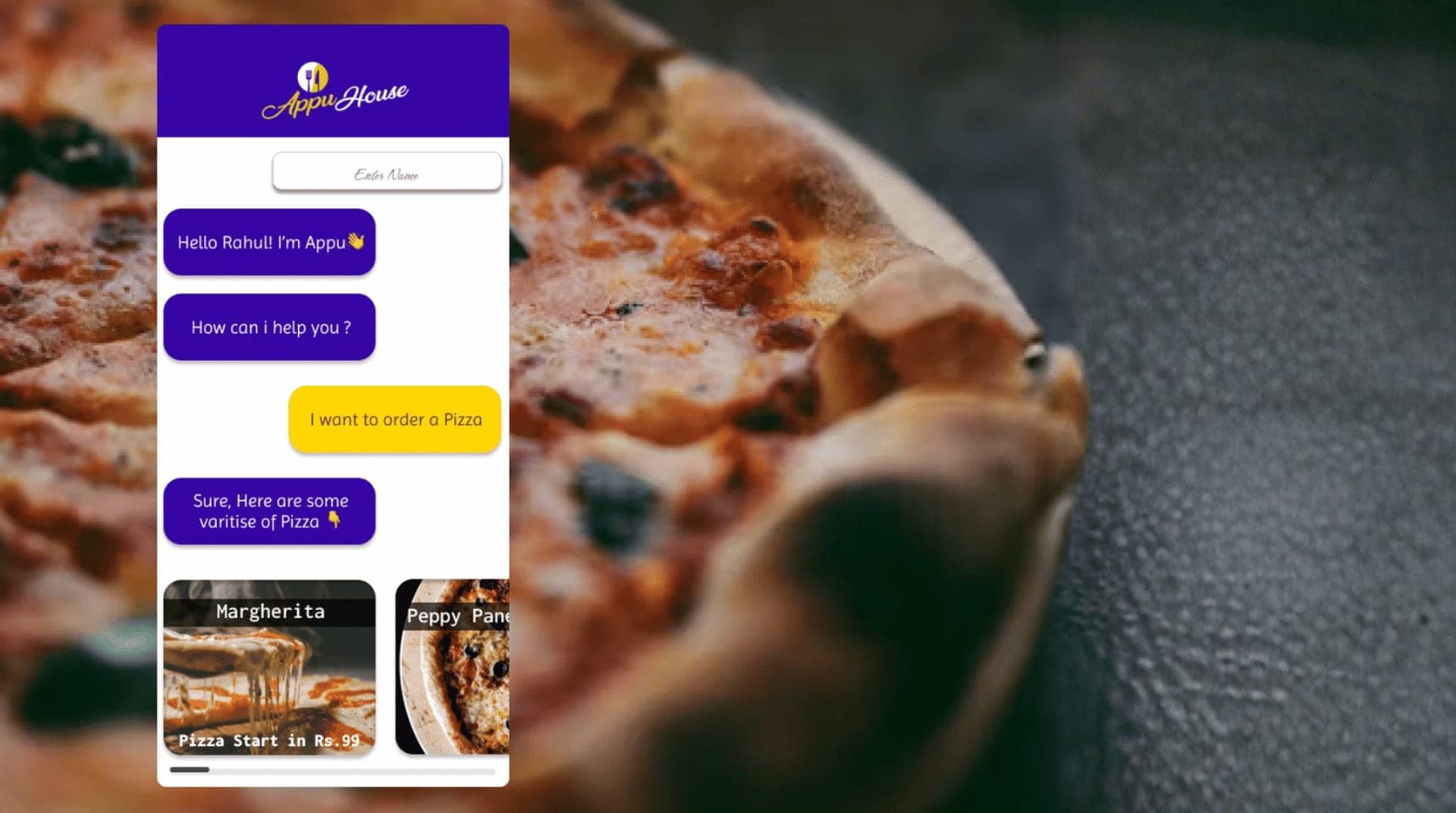
Introduces the chatbot assistant and welcomes the user.
Users communicate with the chatbot through conversational messages.
Food items are displayed with images, titles, and prices to help users choose quickly.
Users can select food items directly from the chat interface.
This project highlighted the importance of balancing conversation with visual interaction.
While chat interfaces feel natural, users still benefit from visual menu elements that help them make quick decisions.
The project reinforced the value of guided experiences that reduce cognitive load and simplify user journeys.
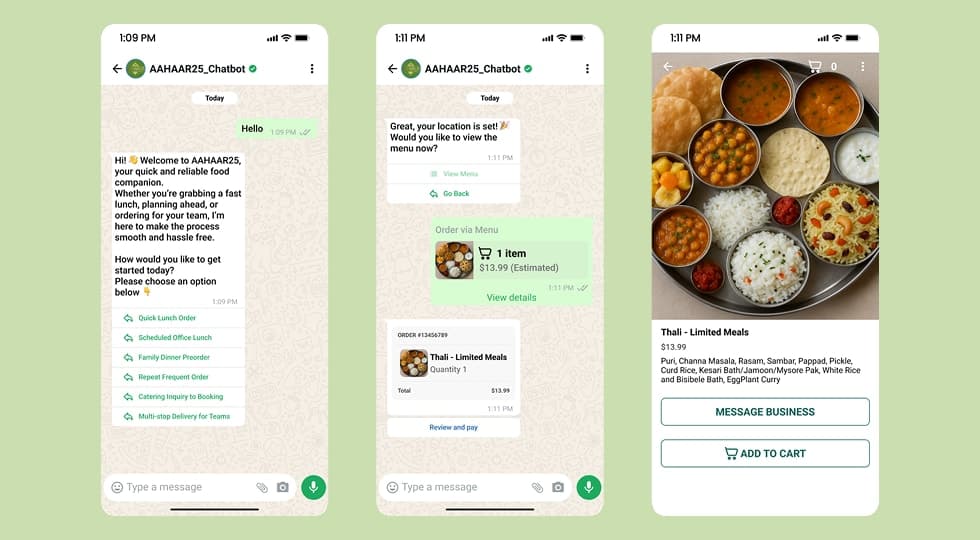
A WhatsApp-based chatbot designed to streamline food ordering and provide real-time assistance for event visitors at AAHAAR25.
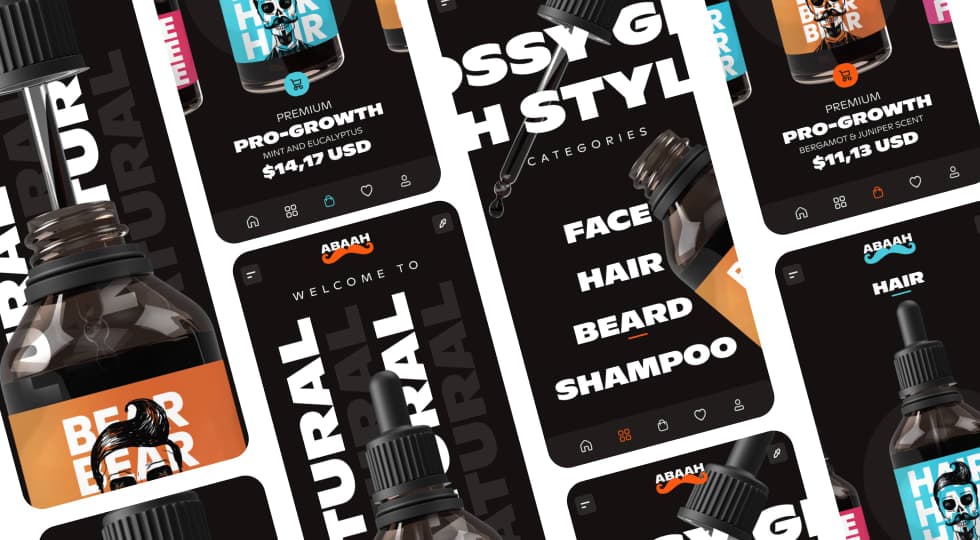
A modern mobile e-commerce concept designed for men’s grooming products, focusing on bold product visuals, category-driven browsing, and a premium shopping experience.
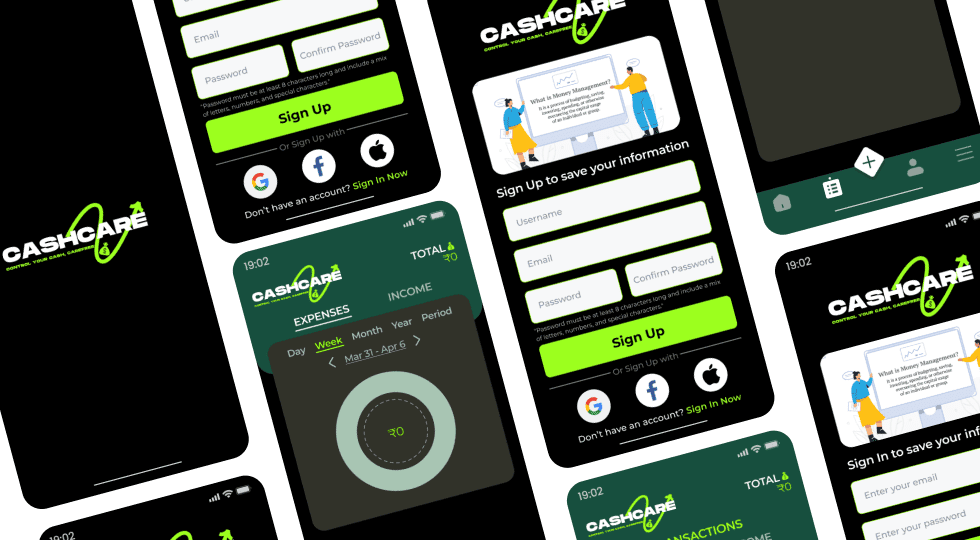
A mobile finance management app designed to help users track income, monitor expenses, and manage transactions through clear visual insights and a simplified budgeting experience.