Tagline: Designing a cinematic movie discovery interface for DC superhero films.
Role: UI/UX Designer
Timeline: 1 Week
Tools: Figma
Designed a cinematic movie showcase interface for DC films where users can browse featured movies, explore details, and navigate between titles through an interactive card-based layout.
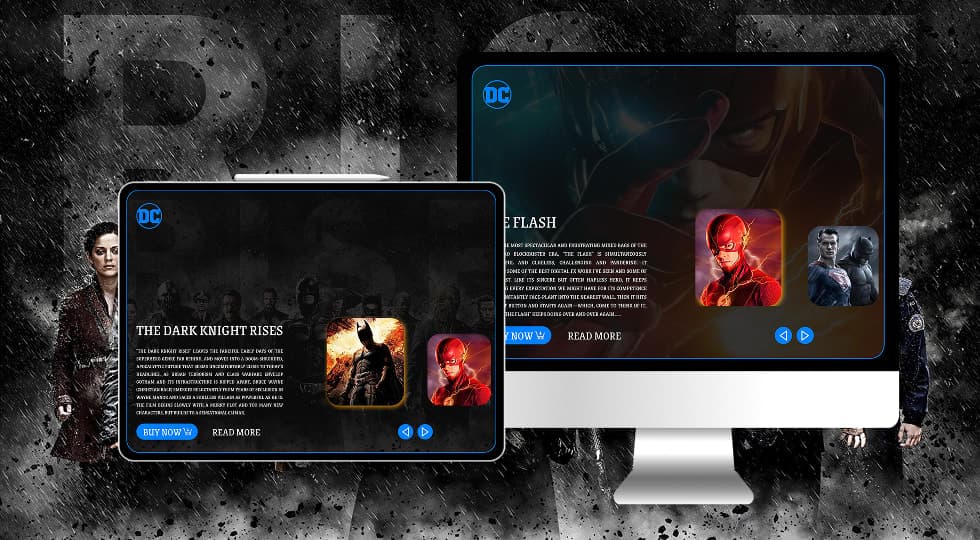
Tagline: Designing a cinematic movie discovery interface for DC superhero films.
Role: UI/UX Designer
Timeline: 1 Week
Tools: Figma
This project explores the design of a cinematic website interface for showcasing DC superhero films.
The platform presents movies through visually rich cards that include film descriptions, poster imagery, and interactive navigation.
Users can browse through different superhero movies, read about the storyline, and access actions such as buying tickets or exploring additional information.
Many movie websites present film listings in simple grid layouts that lack visual impact.
For superhero movies especially, audiences expect immersive digital experiences that reflect the cinematic scale and excitement of the films.
The challenge was to design a movie browsing interface that feels dynamic, visually engaging, and easy to explore.
The goal was to design a visually engaging movie browsing experience where users can quickly explore featured films.
Key objectives included presenting movies through cinematic visuals, improving content readability, and enabling easy navigation between different film titles.
The interface is designed for movie enthusiasts and superhero fans who want to explore film information online.
Users expect visually rich movie interfaces that highlight posters, characters, and story details.
The platform targets audiences who enjoy browsing films before deciding to watch or purchase them.
The design approach focused on creating a cinematic interface inspired by movie streaming and entertainment platforms.
Large background imagery and dark themes were used to highlight movie posters and characters.
Content cards present film descriptions along with clear actions such as buying tickets or reading more about the film.
Users can browse through different DC movies displayed in interactive cards.
Navigation controls allow users to move between different film cards.
Each movie card highlights a specific film with a brief description, poster imagery, and action buttons.
Users can choose to read more about the movie or proceed to purchase tickets.
The layout uses large cinematic cards as the main interface element.
Each card includes movie title, description, background imagery, and action buttons.
Navigation arrows allow users to explore additional movies.
Supporting character thumbnails provide visual cues for switching between films.
The visual design uses dark cinematic backgrounds with glowing borders to create an immersive entertainment interface.
Movie posters and character visuals dominate the layout, emphasizing the cinematic experience.
Typography is bold and dramatic to reflect the tone of superhero films.
The interface includes movie showcase cards presenting featured DC films.
Each card displays film title, short description, and movie artwork.
Users can navigate between movie cards and explore additional film information.
Call-to-action buttons allow users to buy tickets or read more about each film.
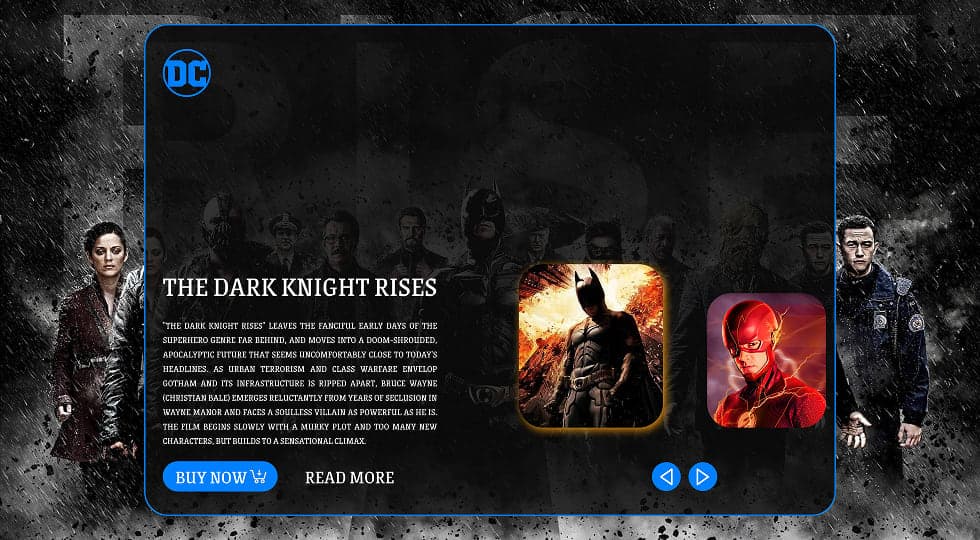
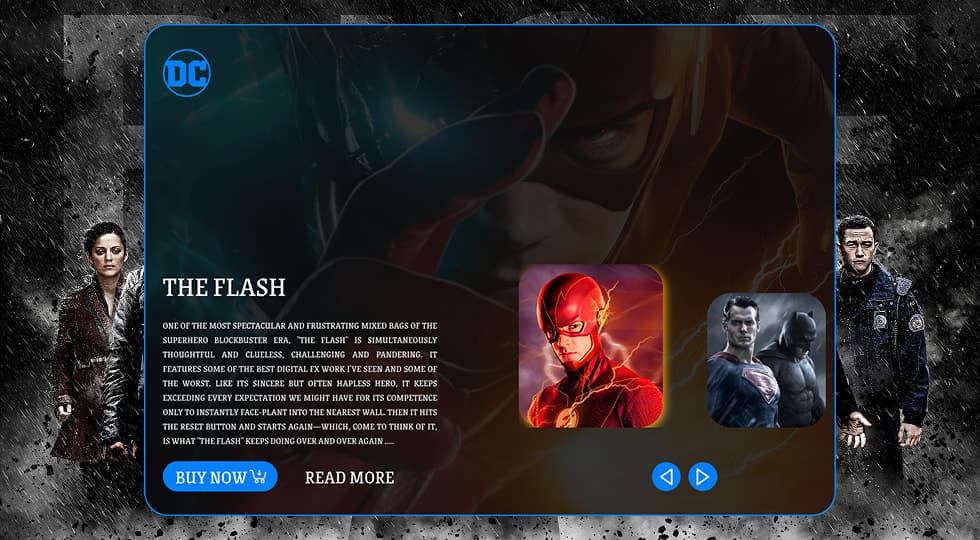
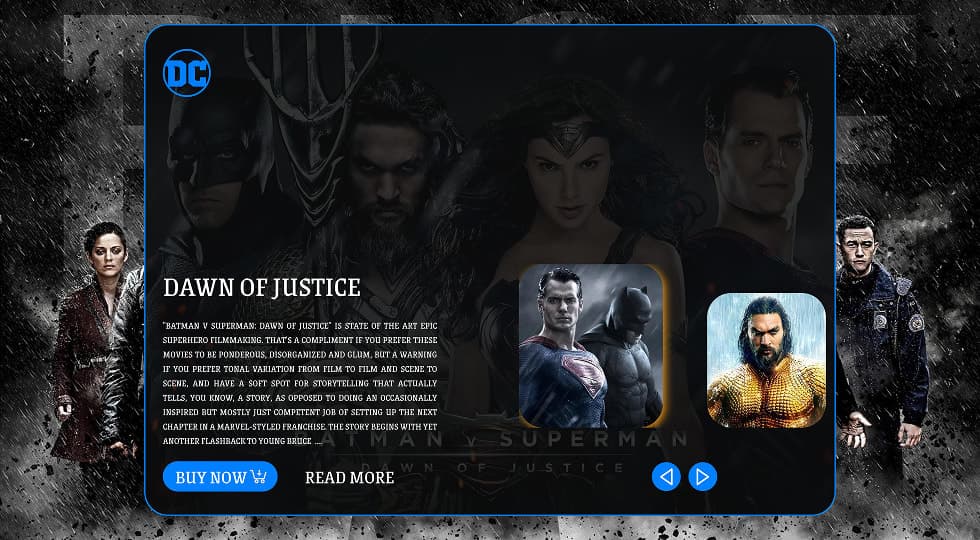
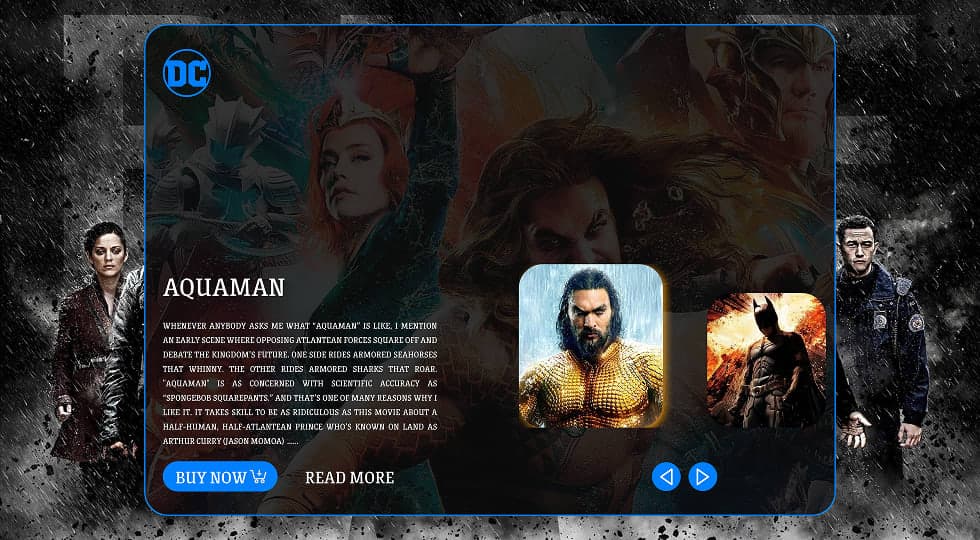
The final design creates a visually immersive movie browsing experience that highlights DC superhero films through cinematic layouts and interactive navigation.
Users can easily explore different films while enjoying a visually engaging interface inspired by entertainment platforms.
Designing entertainment interfaces requires strong visual storytelling.
Large visuals, cinematic layouts, and simple navigation structures help create immersive browsing experiences.
This project reinforced the importance of combining visual impact with clear interaction patterns when designing media-focused platforms.
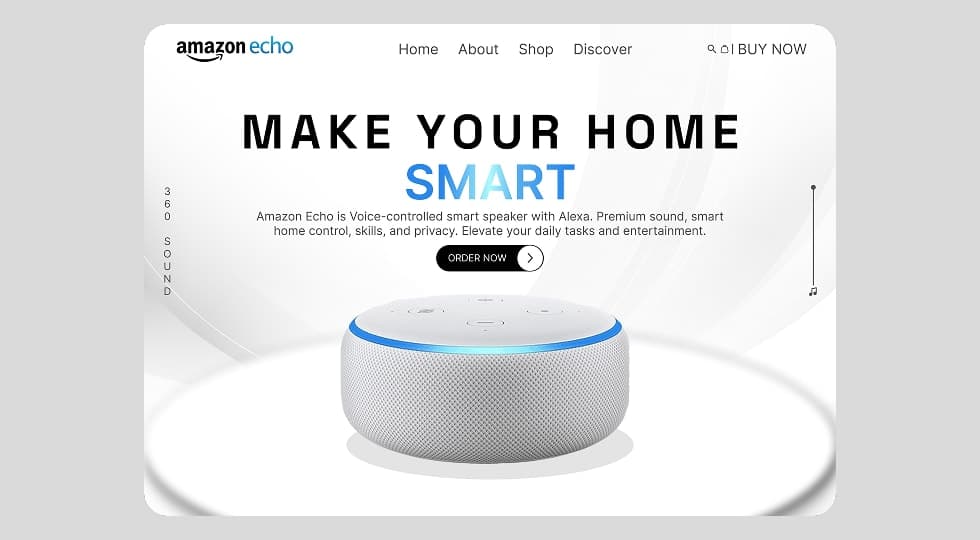
Designed a modern product landing page interface for Amazon Echo that highlights the smart home experience through clean layout, strong typography, and product-focused visual hierarchy.
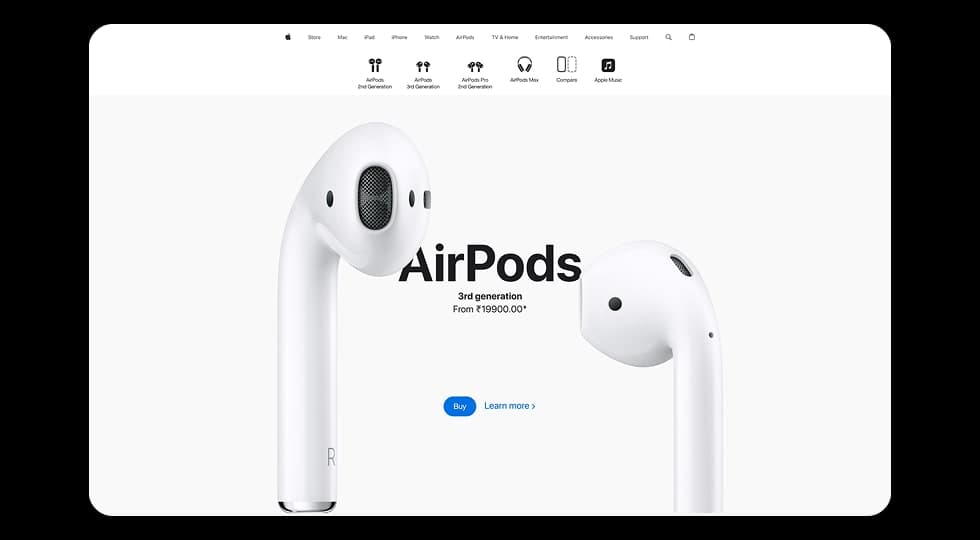
Designed a modern product showcase experience inspired by Apple’s website, focusing on visuals, product comparisons, and smooth scroll-based interactions to highlight different AirPods models.
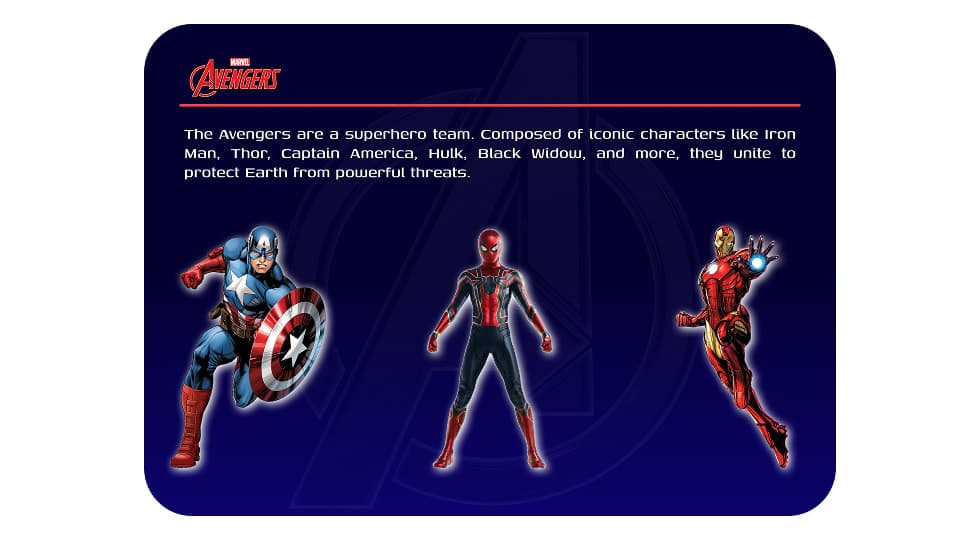
Designed an interactive Avengers-themed website where users can explore superheroes and view detailed character profiles through a dynamic character selection interface.