Website

Apple Product Showcase Website

Designed a modern product showcase experience inspired by Apple’s website, focusing on visuals, product comparisons, and smooth scroll-based interactions to highlight different AirPods models.

Web DesignUI DesignProduct ShowcaseE-commerce
Apple Product Showcase Website - UI/UX design case study by Saurabh Pansari

1. Overview & Problem Statement

Project Overview

This project explores the design of a product-focused website experience for showcasing Apple AirPods.

The interface emphasizes product visuals, comparisons, and clear purchase options while maintaining a clean and premium design aesthetic.

Problem Statement

Many e-commerce product pages present too much information at once, making it difficult for users to quickly understand the differences between products.

The challenge was to design a clean browsing experience that allows users to explore multiple AirPods models while keeping the interface minimal and visually engaging.
2. Goals & Target Audience

Goals

The primary goal was to create a product showcase experience that highlights each AirPods model while maintaining a premium and minimalist visual style.

The design also focuses on helping users compare products and quickly access purchase or product information.

Target Audience

The interface targets Apple users, tech enthusiasts, and consumers looking to purchase wireless audio devices.

The design also supports users who want to compare multiple product options before making a buying decision.

3. Information Architecture & Navigation

Information Architecture

The page structure is organized to guide users from product discovery to product exploration.

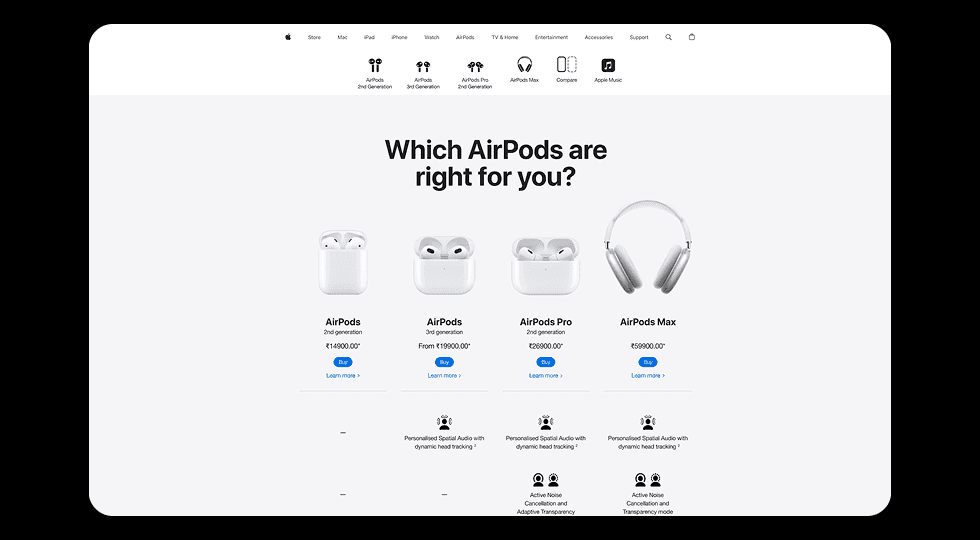
Users first see a comparison section displaying multiple AirPods models, followed by detailed sections for individual products.

Navigation Structure

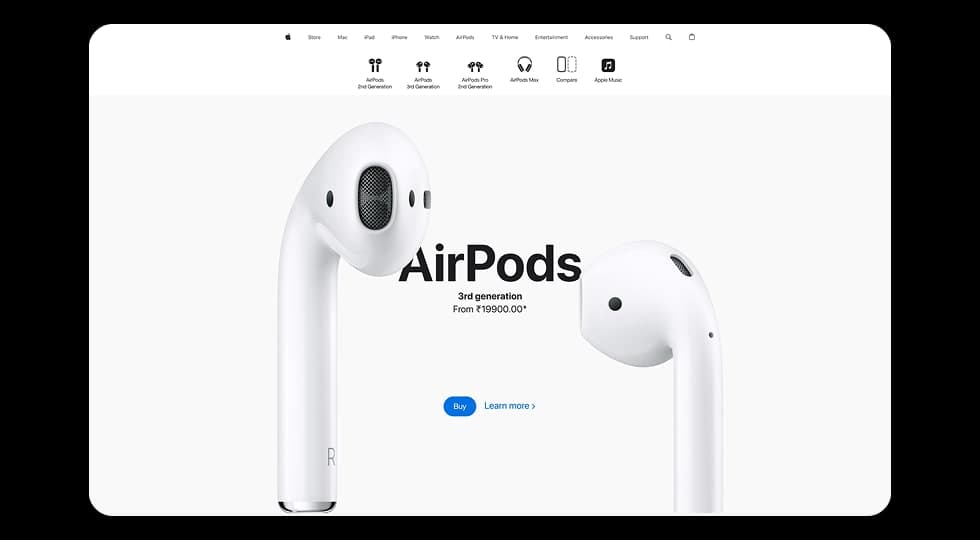
The top navigation includes Apple’s ecosystem categories such as Mac, iPad, iPhone, Watch, AirPods, and accessories.

Secondary navigation highlights specific AirPods models, allowing users to quickly jump to relevant sections.

4. Design Strategy

Design Approach

The design follows a product-first philosophy where large visuals and generous whitespace highlight the product itself.

Minimal interface elements ensure that the focus remains on the AirPods hardware and its premium appearance.

Visual Direction

The layout uses a light neutral background, bold typography, and large product imagery to replicate a premium technology brand experience.

Subtle animations and transitions help create a smooth and engaging browsing journey.

5. Visual Design & Key Screens

Visual Design

The interface follows a minimalist aesthetic inspired by Apple’s design principles.

Large product renders are combined with bold headlines and clean typography to create a strong visual hierarchy.

Key Screens

The product comparison section allows users to quickly view different AirPods models along with pricing and purchase options.

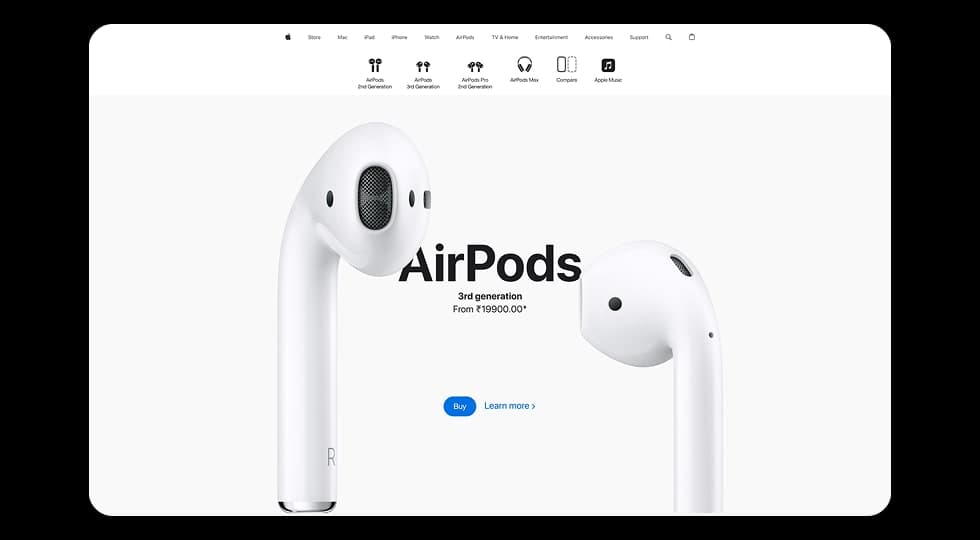
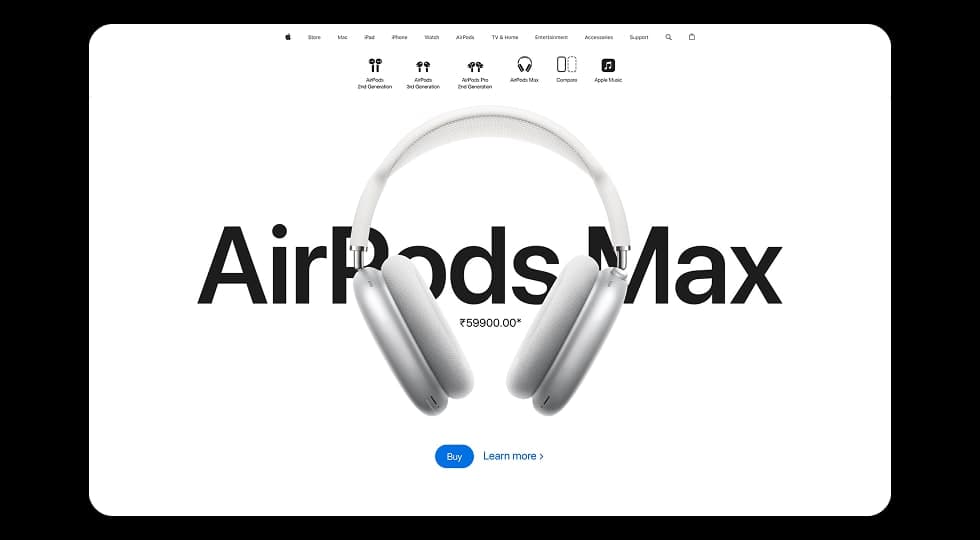
Individual product sections highlight specific models such as AirPods 3rd Generation and AirPods Max with large immersive visuals and call-to-action buttons.

Visual Design & Key Screens 1
Visual Design & Key Screens 2
Visual Design & Key Screens 3

6. Interaction & Learnings

Interaction Design

Scroll-based transitions gradually introduce different AirPods models as users move through the page.

Large product visuals animate into view, creating a dynamic and immersive browsing experience.

Clear call-to-action buttons such as “Buy” and “Learn More” guide users toward the next step in the purchasing journey.

Key Learnings

This project reinforced the importance of simplicity and whitespace in product-focused web design.

A minimal interface combined with strong visual hierarchy can effectively guide users through product exploration while maintaining a premium brand experience.

7. Figma Prototype Embed