Tagline: Designing a modern footwear shopping experience for online buyers.
Role: UI/UX Designer
Timeline: 3 Days
Tools: Figma
Designed an e-commerce product browsing experience for footwear where users can explore shoes, customize options such as color and size, and quickly add products to their cart.
Tagline: Designing a modern footwear shopping experience for online buyers.
Role: UI/UX Designer
Timeline: 3 Days
Tools: Figma
SoleStride is a concept project focused on designing a modern e-commerce experience for browsing and purchasing shoes online.
The interface allows users to explore different footwear products and access detailed product information through a clean product page layout.
The goal was to create a visually engaging product browsing experience while maintaining simplicity and usability.
Online shoe stores often present product information in cluttered layouts that make it difficult for users to quickly explore options such as size, color, and price.
The challenge was to design a product interface that clearly highlights the product while keeping customization options easy to use.
The objective was to design a product browsing and product detail interface that makes it easy for users to explore footwear products and quickly add items to their cart.
The interface targets online shoppers who are looking for stylish footwear and want a quick and easy shopping experience.
These users expect clear product visuals, simple customization options, and fast purchasing actions.
The design focuses on a product-centered layout where the shoe image becomes the primary visual element.
Customization options such as color and size are placed close to the product information to reduce user effort.
Large call-to-action buttons help guide users toward adding the product to their cart.
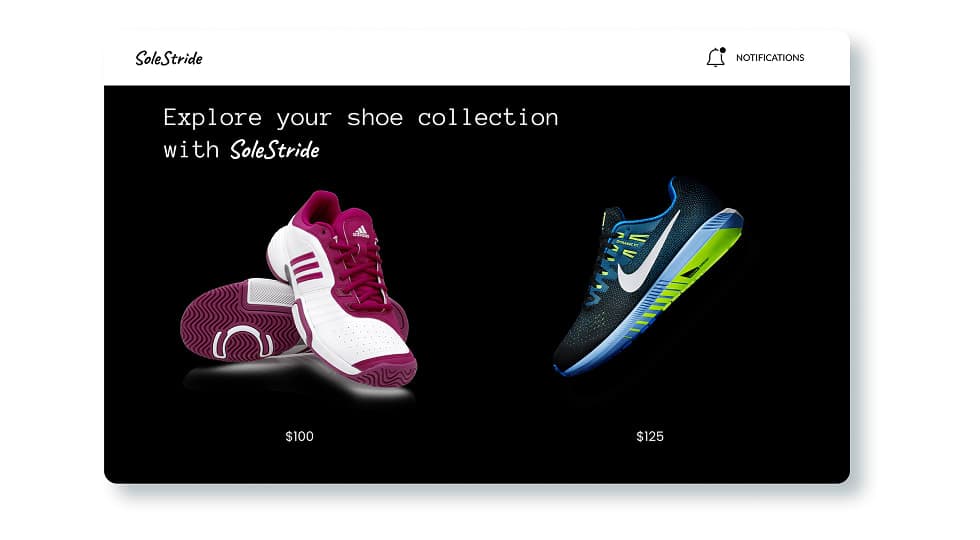
Users begin on a product collection screen where multiple shoes are displayed.
Selecting a product opens the product detail page where users can choose color variations and select their shoe size.
Once the desired configuration is selected, users can add the item to their cart or save it to their wishlist.
The layout consists of a product exploration screen followed by a detailed product page.
The product page highlights the shoe image on one side while product details and customization options appear on the other side.
The visual design uses bold background colors and strong product imagery to emphasize the shoes.
Clean typography and minimal interface elements help maintain a modern e-commerce appearance.
The project includes a product collection screen where users can browse different shoes.
A product detail screen allows users to select color variations and choose their preferred shoe size.
A clear add-to-cart action enables quick purchasing.
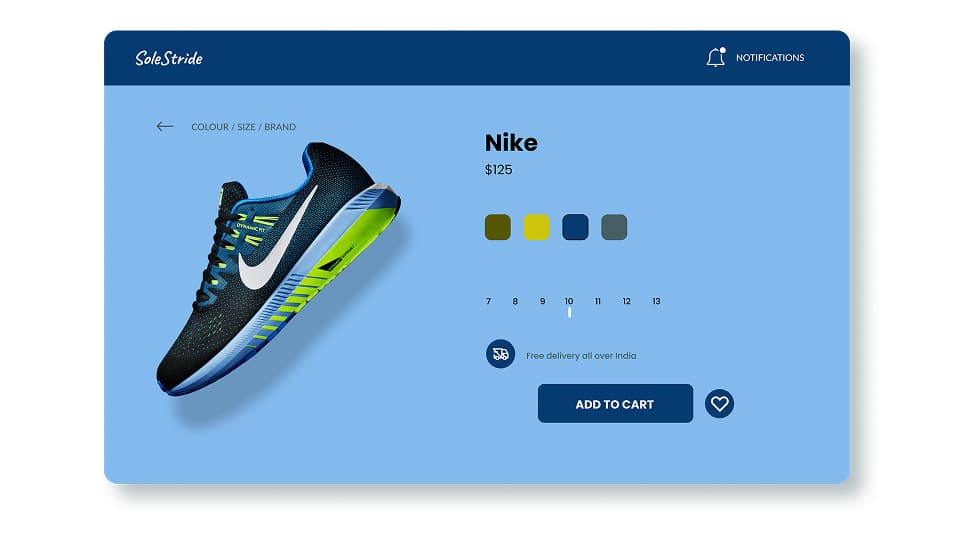
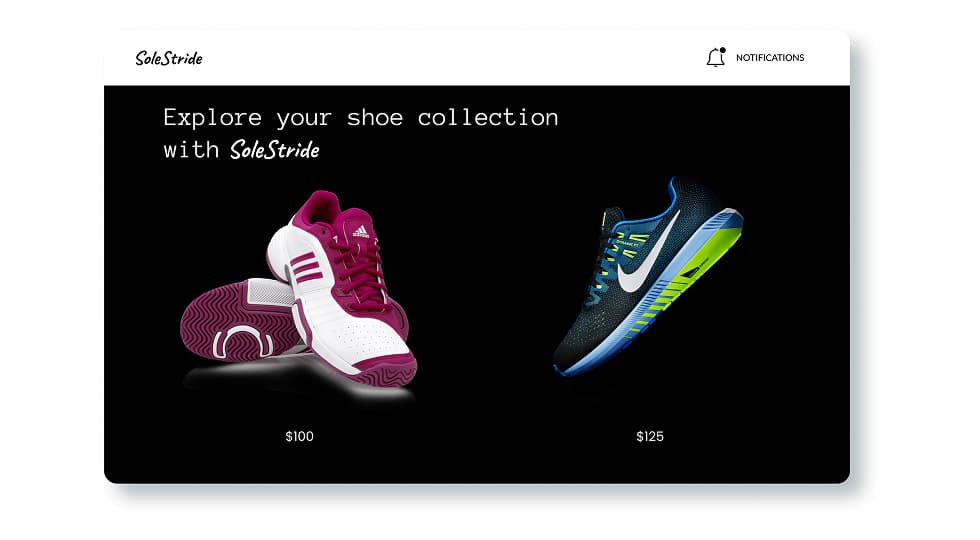
The final design presents a clean and visually engaging shoe shopping interface that simplifies product exploration and purchasing.
Designing e-commerce product pages requires balancing product visuals with functional elements such as size and color selection.
Clear product presentation and intuitive actions help users make quicker purchasing decisions.
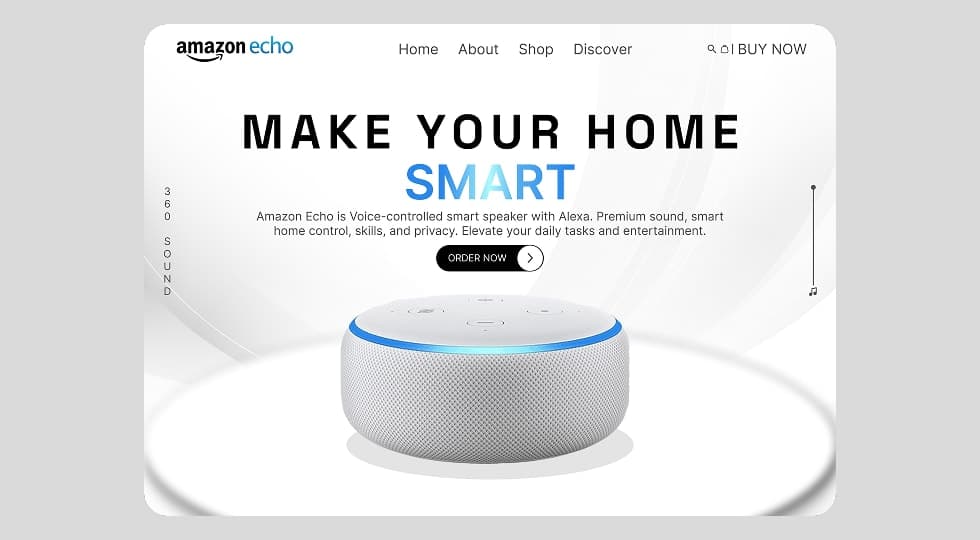
Designed a modern product landing page interface for Amazon Echo that highlights the smart home experience through clean layout, strong typography, and product-focused visual hierarchy.
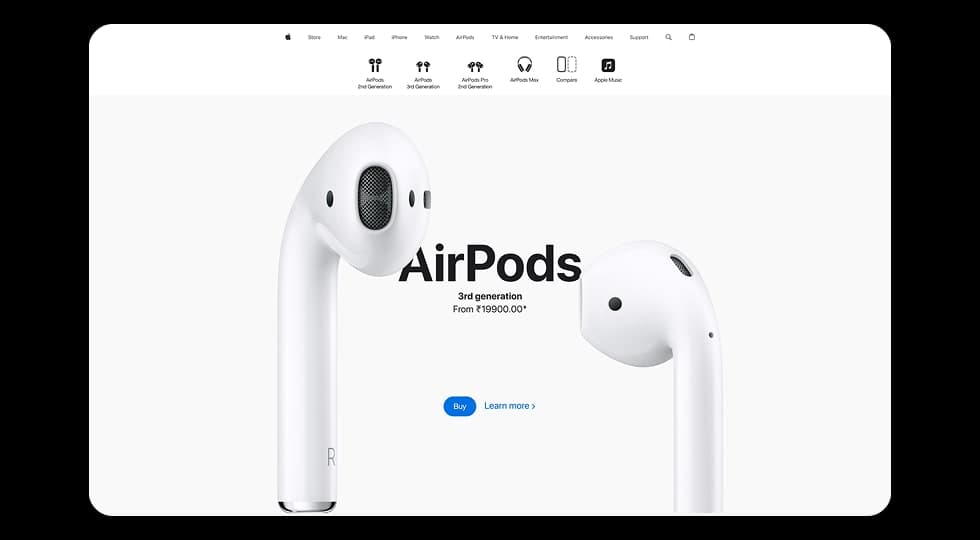
Designed a modern product showcase experience inspired by Apple’s website, focusing on visuals, product comparisons, and smooth scroll-based interactions to highlight different AirPods models.
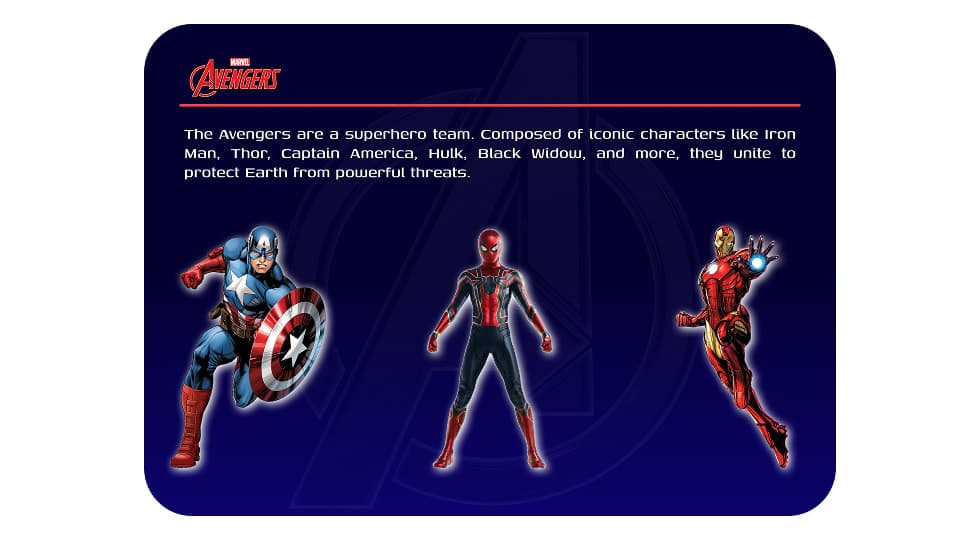
Designed an interactive Avengers-themed website where users can explore superheroes and view detailed character profiles through a dynamic character selection interface.
Discover the core UI design principles that help designers create visually clear, consistent, and effective digital interfaces.
Discover practical dashboard UX design principles that help designers present complex data clearly and improve user decision making.