Tagline: Designing an interactive character exploration experience inspired by the Barbie universe.
Role: UI/UX Designer
Timeline: 3 Days
Tools: Figma
Designed an interactive character showcase interface for Barbie where users can explore different Barbie personalities and view character details through animated navigation and interactive UI.
Tagline: Designing an interactive character exploration experience inspired by the Barbie universe.
Role: UI/UX Designer
Timeline: 3 Days
Tools: Figma
The World of Barbie project explores the design of a playful and visually engaging website interface where users can discover different Barbie characters.
The interface allows users to browse characters through a carousel-style layout and interact with each character to reveal more information.
The goal was to create a visually immersive experience that reflects the vibrant and fashionable identity of the Barbie brand.
Character-based websites often present information in static grids or lists that lack personality and engagement.
For a brand like Barbie, the experience should feel interactive, colorful, and expressive.
The challenge was to design an interface that highlights multiple characters while allowing users to easily explore individual profiles.
The objective was to create an engaging character browsing experience where users can easily navigate between Barbie personalities.
The design needed to emphasize playful visuals, clear interaction patterns, and intuitive navigation between characters.
The interface is designed for children, fans of the Barbie franchise, and users interested in exploring Barbie characters and their personalities.
Users expect colorful visuals, playful interactions, and simple navigation when exploring character-based experiences.
The design approach focused on creating a vibrant and playful interface using Barbie-inspired colors and typography.
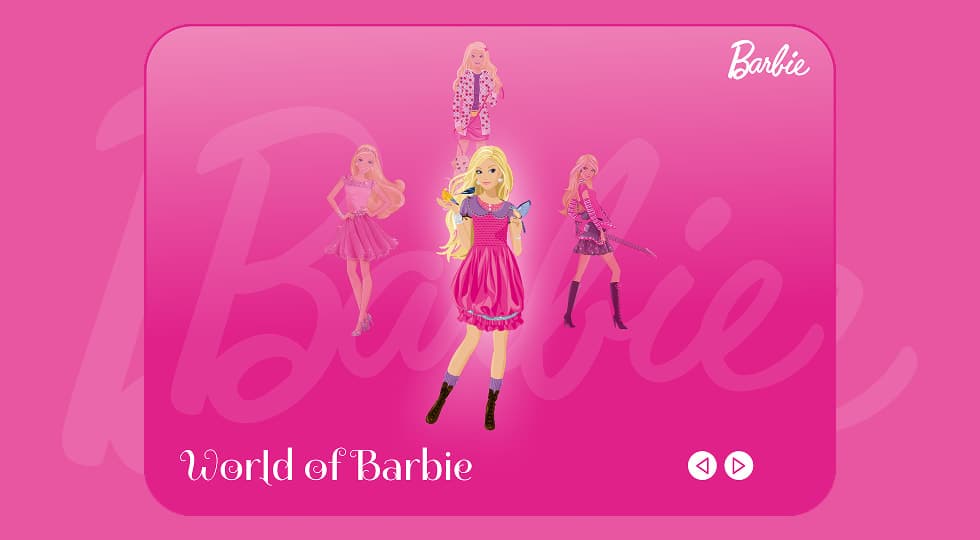
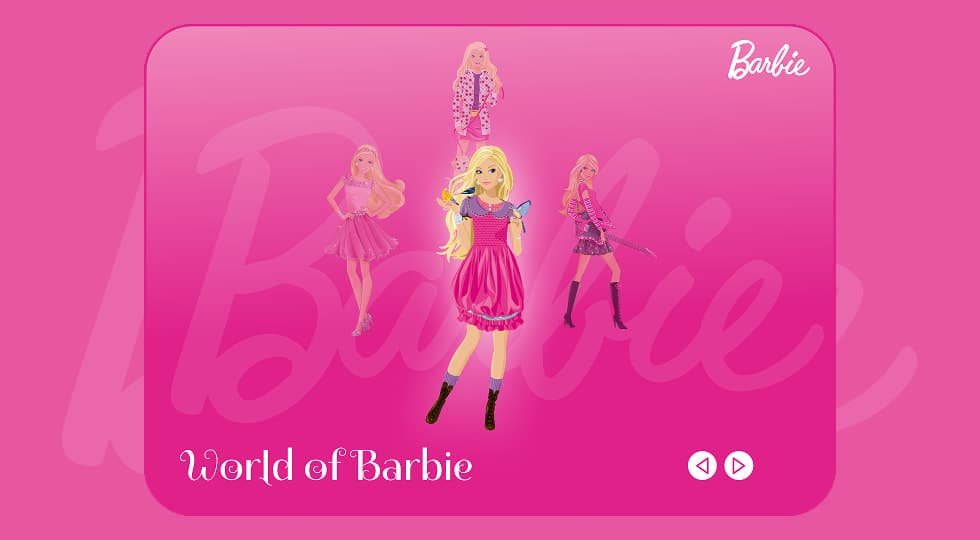
A carousel-style layout was used to showcase multiple characters at once, while keeping the selected character visually highlighted.
Large character illustrations and soft gradients help create an immersive visual environment.
Users can navigate between Barbie characters using arrow navigation controls.
As users move through the carousel, the highlighted character appears in the center while other characters remain slightly faded in the background.
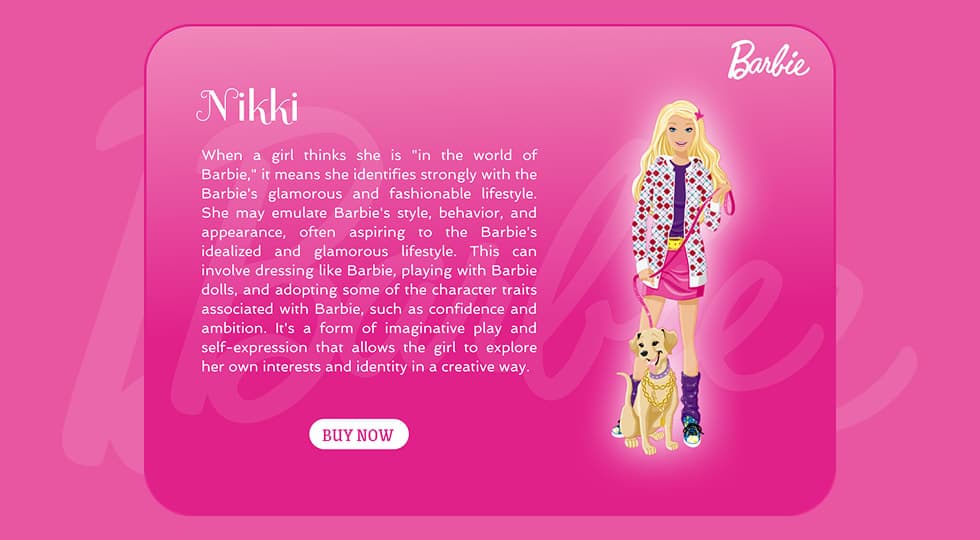
When a user selects a character, a detailed profile screen appears with the character name, description, and a call-to-action button.
The layout is centered around a character carousel where the main character appears in the middle of the screen.
Supporting characters are positioned around the center to create a sense of depth and exploration.
The bottom area includes navigation controls that allow users to move between characters easily.
The visual design uses vibrant pink gradients inspired by Barbie branding.
Soft background typography and glowing highlights help emphasize the selected character.
Large character illustrations create a strong focal point and reinforce the playful identity of the interface.
The project includes a character browsing screen where users can explore different Barbie personalities.
A character detail screen presents the selected Barbie along with a description and purchase action.
Navigation arrows allow users to switch between different characters seamlessly.
The final design delivers an engaging and playful character browsing experience that reflects the vibrant personality of the Barbie brand.
Users can easily explore different characters while enjoying a visually immersive interface.
This project highlighted the importance of visual storytelling when designing character-focused interfaces.
Playful layouts, bold colors, and interactive navigation can significantly enhance engagement in entertainment-focused digital experiences.
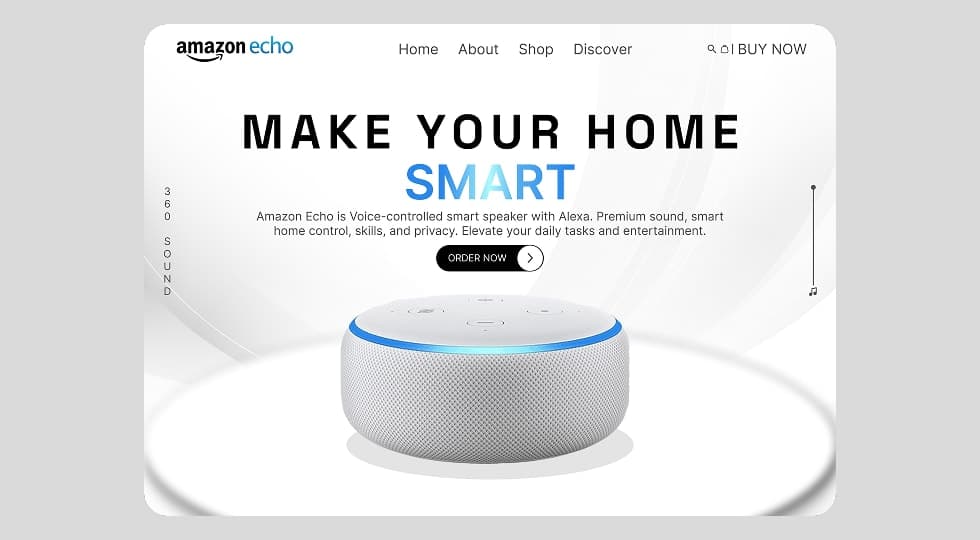
Designed a modern product landing page interface for Amazon Echo that highlights the smart home experience through clean layout, strong typography, and product-focused visual hierarchy.
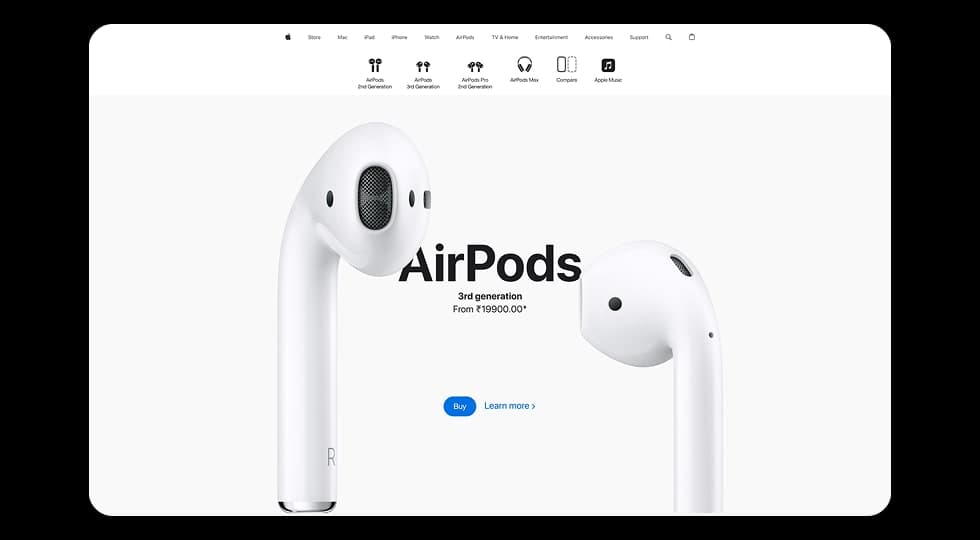
Designed a modern product showcase experience inspired by Apple’s website, focusing on visuals, product comparisons, and smooth scroll-based interactions to highlight different AirPods models.
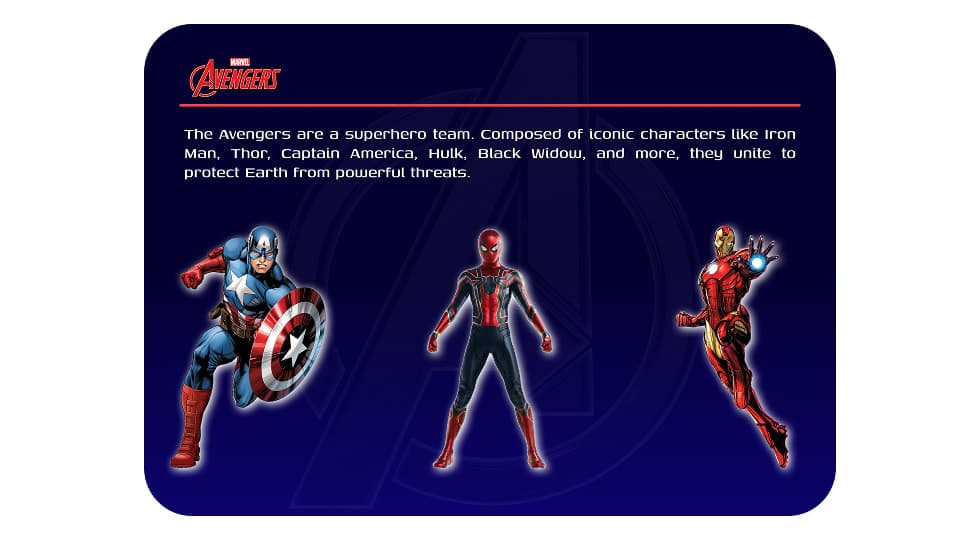
Designed an interactive Avengers-themed website where users can explore superheroes and view detailed character profiles through a dynamic character selection interface.
Discover the core UI design principles that help designers create visually clear, consistent, and effective digital interfaces.
Discover practical dashboard UX design principles that help designers present complex data clearly and improve user decision making.